vJoy Installation
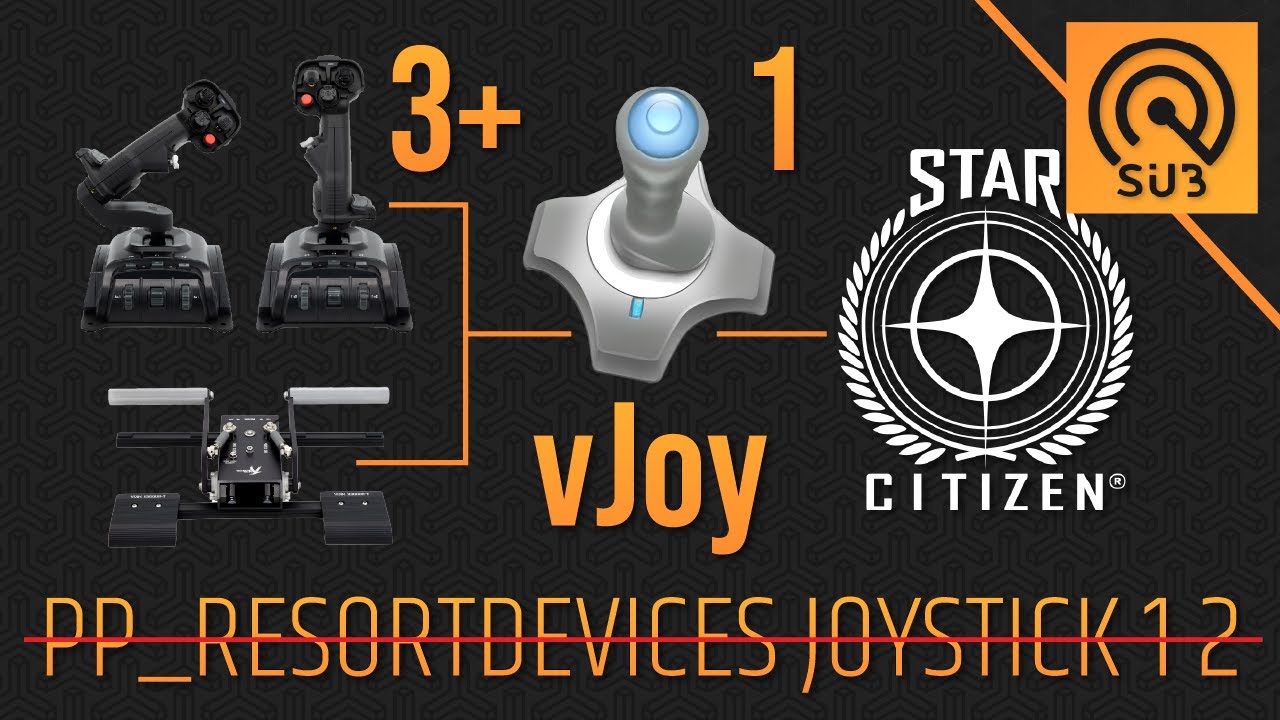
vJoy creates virtual controllers that Joystick Gremlin outputs to. Star Citizen should read those virtual devices instead of your raw hardware.
Note
This page only covers installation. For exact vJoy settings used with curated binds, use Software Configuration.
Install Steps
- Download vJoy from the official source linked in the project resources.
- Run the installer as Administrator.
- Reboot Windows after installation (recommended).
- Open
Configure vJoyand confirm at least one vJoy device exists.
Verify vJoy Is Working
- Open Windows Game Controllers (Run:
joy.cplor click :windows: and search for 'USB Game Controllers') - Confirm
vJoy Deviceappears
Common Problems
- vJoy missing in
joy.cpl: reinstall and reboot - Installer blocked by security software: allow or whitelist installer, then retry
- vJoy appears but inputs are incorrect: continue to Software Configuration
Video Guide (Optional)
If you prefer a walkthrough format, you can follow the vJoy setup video:
Warning
This video explains general vJoy setup. For curated binds, follow the written guidance in this docs site if anything differs.